A patient searches for an emergency dentist, clicks an ad, and lands on a page that says little more than “Welcome to our practice.” The phone number is hard to find, booking competes with several other buttons, and nothing answers the basic question of whether the office can help. The patient backs out and tries another practice.
That moment is where dental landing pages either reduce uncertainty or add to it. A focused headline, one obvious next step, and relevant trust signals help visitors move from a specific search to an appointment request. The best approach depends on who's building and managing the page: a self-service platform, a dental-focused agency, or an integrated growth partner. Here are seven options, with practical trade-offs to help you choose. For additional ideas on improving conversion rates, focus on removing friction between a visitor's intent and the action you want them to take.
Table of Contents
- 1. Unbounce
- 2. Instapage
- 3. Leadpages
- 4. Scorpion
- 5. Smile Marketing
- 6. My Social Practice
- 7. GrowthPlug
- Top 7 Dental Landing Page Examples Compared
- Build a Page That Earns the Appointment
1. Unbounce
Unbounce is a practical choice when a practice or agency needs to launch campaign pages without waiting for a developer. Its templates and drag-and-drop editor can support separate pages for implants, Invisalign, and emergency care. That separation matters: a visitor who clicked an emergency-care ad should see emergency care in the headline, not a generic introduction to the practice.
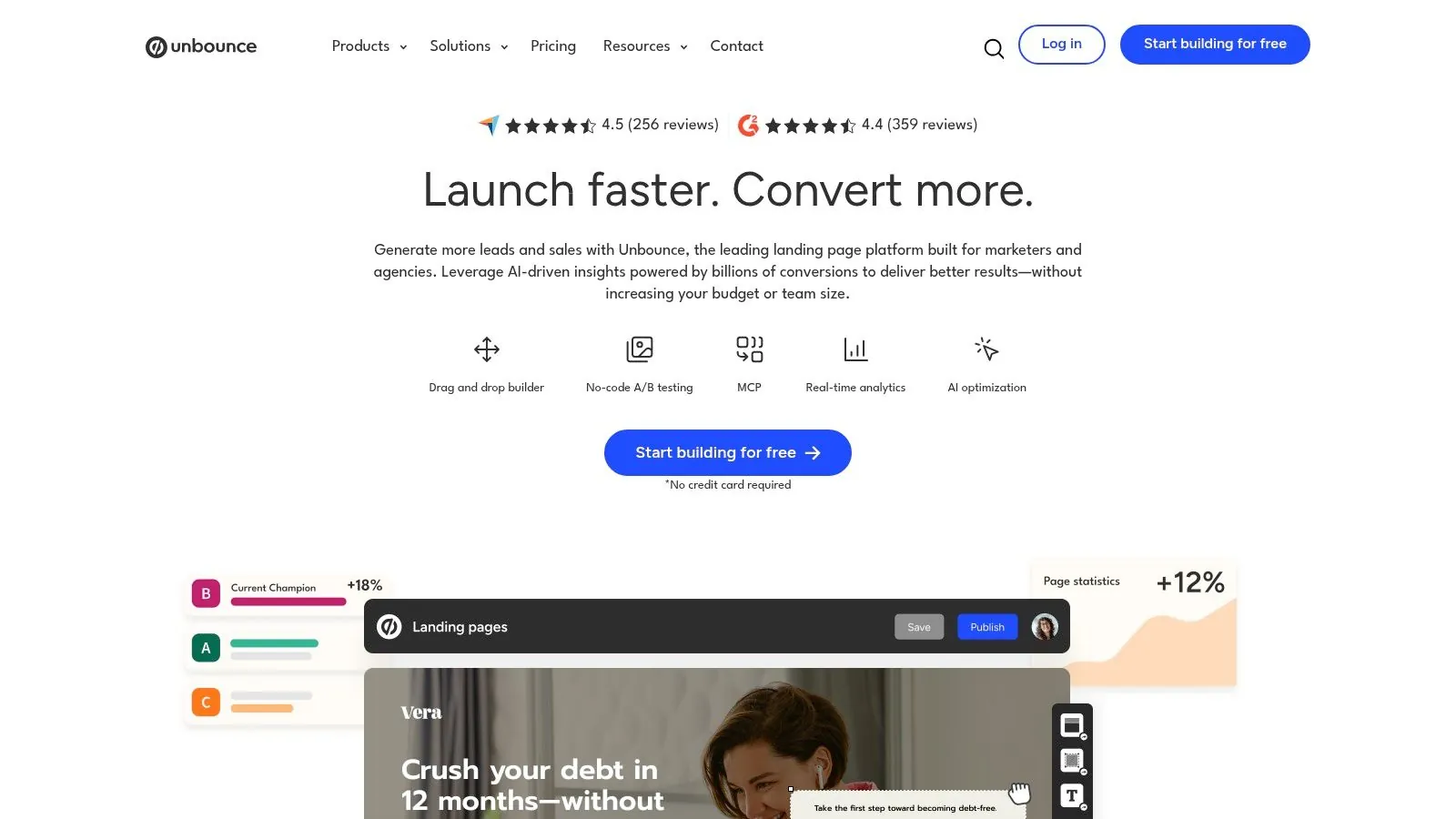
The platform includes 100+ templates, a form builder, popups, sticky bars, A/B testing, traffic routing, and dynamic text replacement. CRM and marketing integrations, fast hosting, and SSL round out the toolset. For paid search, the core advantage is being able to test a focused page without rebuilding the main practice website.
Keep the page focused on the campaign
A strong Unbounce page starts with the ad's promise and carries it through to the booking action. For an implant campaign, that means an implant-specific hero, clear information about the consultation, credible proof, and an easy way to request an appointment or call. Dynamic text replacement can help echo search terms, but it shouldn't create awkward or misleading copy.
The trade-off is cost as traffic and feature needs grow. Published plan prices in search results range from $29 to $249 per month, with a 14-day free trial, but verify current pricing and limits before buying. Unbounce is most useful when the practice is actively running campaigns and has enough traffic to learn from testing. If the page will sit unchanged while the practice relies mainly on referrals or organic traffic, the testing features may not justify a dedicated subscription.
Practical rule: Don't split-test button colors before confirming that the page matches the service and location in the ad.
2. Instapage
For a group managing many campaigns, Instapage's strengths are coordination and optimization. Its drag-and-drop builder offers 250+ templates and AI copy tools, alongside server-side A/B testing, heatmaps, personalization, reusable blocks, and real-time collaboration with annotations. The platform also lists 120+ integrations and root-domain publishing.
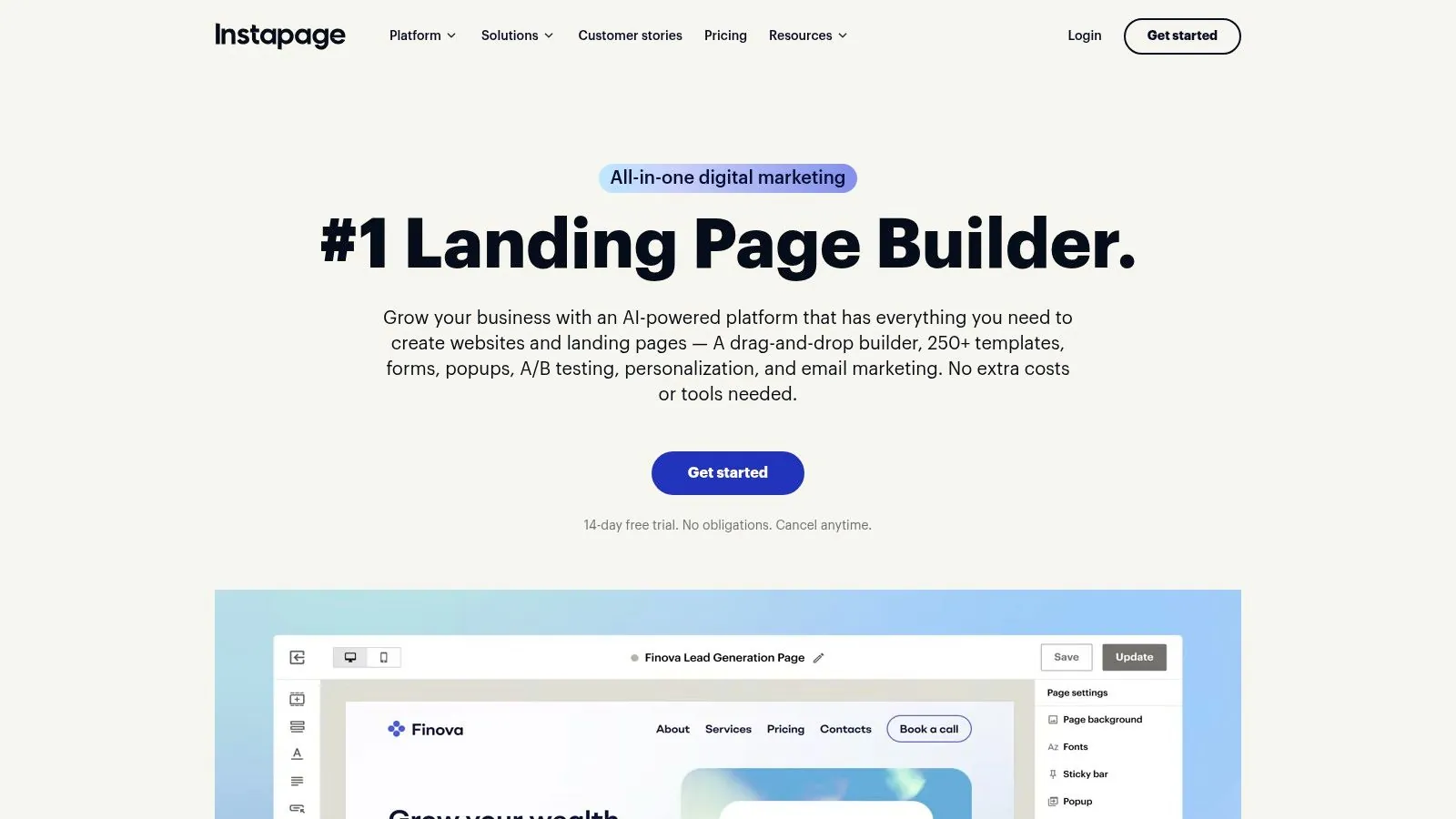
That combination can work for multi-location groups, DSOs, or agencies that need to review and update localized pages without losing consistency. A shared template can preserve the practice's voice and basic trust elements, while teams adapt the service, location, booking details, and proof for each campaign. Instapage is a premium platform, so its collaboration and testing capabilities are most valuable when several people manage multiple active campaigns.
Make collaboration serve patient clarity
More page variants aren't automatically better. A location-specific implant page still needs accurate provider details, a clear appointment path, and language that reflects what the practice offers. Heatmaps and test results can point to friction, but they don't replace reviewing whether visitors are qualified or whether the booking process works on a phone.
Search results list Create from $99 per month and Optimize from $199 per month, with a 14-day trial. Confirm current plan features and limits before committing. Practices that need help connecting campaign strategy and page execution can also review Leaping Lemur Media's services. The decision comes down to whether the organization will use Instapage's operational depth or pay for capacity it doesn't need.
3. Leadpages
Leadpages suits smaller practices that want to build and edit a page without a steep learning curve. Its templates include dentist and health-and-wellness designs, while AI page creation and drag-and-drop editing help a small team get a first version live. Forms and integrations support lead capture, with A/B testing, Smart Traffic, and heatmaps available on current plans.
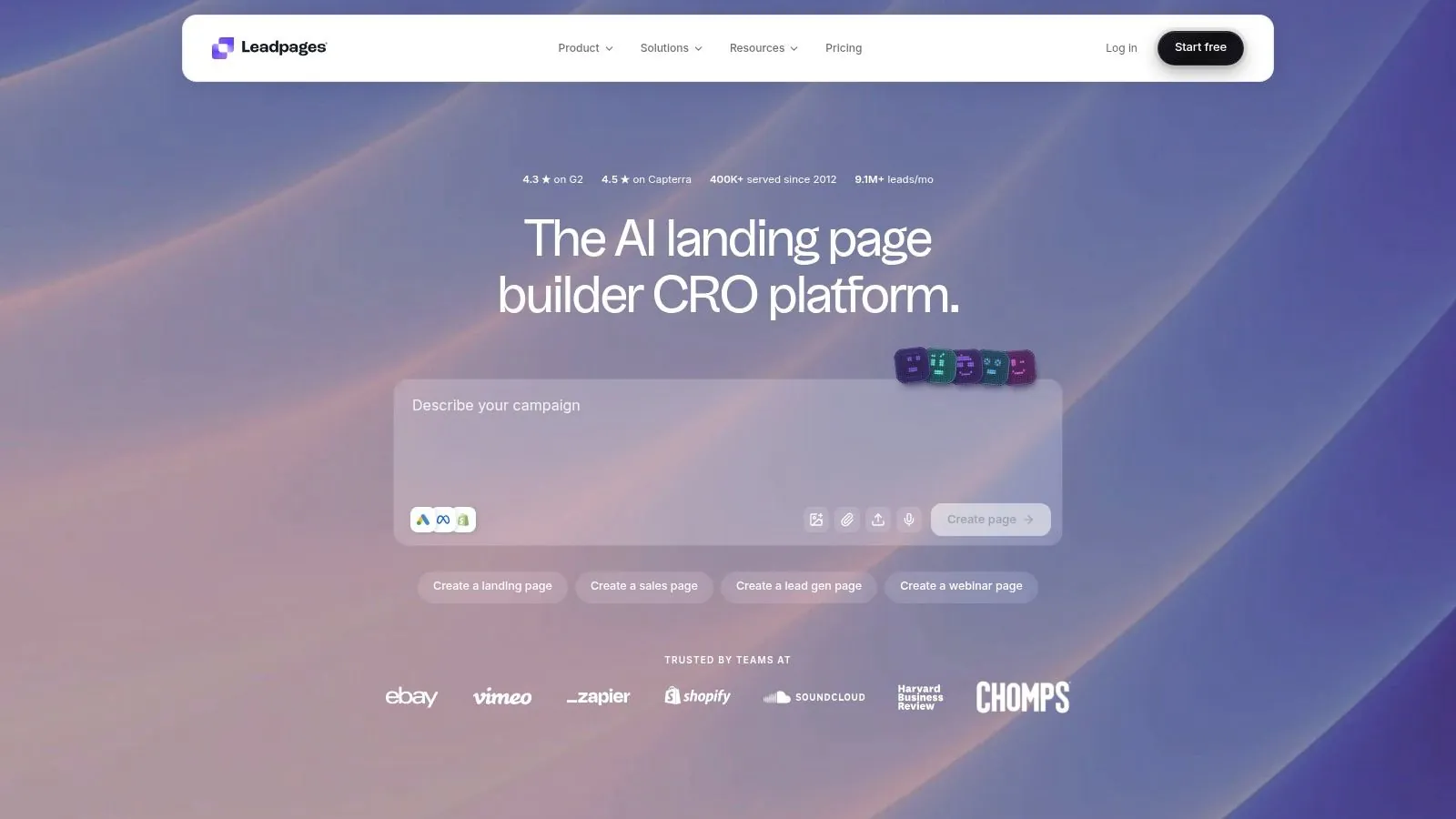
A useful starting point is a page for one clear offer, such as a new-patient exam or a specific treatment consultation. Keep the page's headline, proof, and call to action aligned with that offer. If visitors can book online, make that action visible; if the preferred next step is a phone call, make the number easy to tap on mobile.
A manageable tool for a small team
Leadpages lists plans starting around $99 per month and commonly offers a seven-day free trial in search results. Check its live pricing page for exact terms and features, since plan inclusions can change. Unlimited pages and multiple custom domains depend on the tier.
The appeal is time-to-value: a practice manager can make basic edits without relying on a developer for every wording change. The trade-off is that it offers less enterprise depth than Instapage or Unbounce, and less flexibility than a fully custom content management system. If the practice needs a highly distinctive design or intricate integrations, the apparent simplicity may give way to workarounds.
Use the tool to keep the patient journey direct, not to add every available widget. A long page can still be useful when it answers real concerns, but extra sections, competing buttons, and unnecessary fields can obscure the next action.
4. Scorpion
Scorpion is a managed marketing option for U.S. dental and medical practices that want campaign execution and page work handled by a partner. It builds custom mobile-first websites and campaign-specific landing pages, and can manage paid media. Its healthcare focus and Landing Page AI may appeal to practices that want to coordinate advertising, lead tracking, and page updates through one vendor.
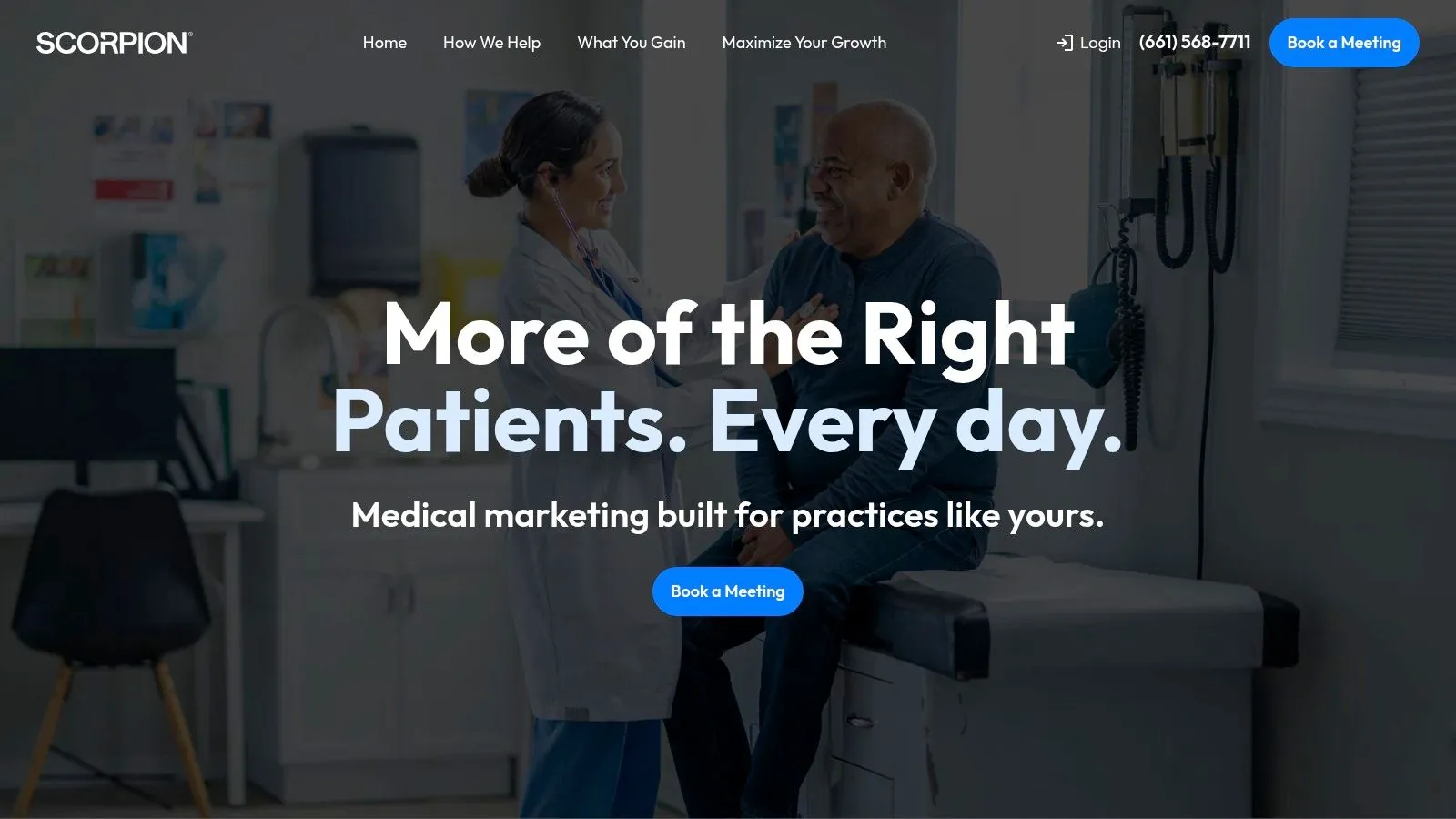
Available services include call and lead tracking with performance dashboards, plus optional reputation management, SEO, social, chat, and booking support. For a practice with multiple locations, having one partner manage campaign pages and measurement can reduce the handoffs between an ad provider and a separate web team.
Evaluate the whole patient path
A vendor can coordinate the page and advertising, but the practice still needs to define what counts as a good outcome. A raw inquiry isn't the same as a booked appointment, and a booked appointment isn't necessarily a kept one. Ask how reporting distinguishes calls, form submissions, qualified leads, and scheduled visits, and how the team will use those signals to improve the page.
Scorpion uses quote-based pricing that depends on scope and locations, so it's typically a larger commitment than a DIY page builder. That may make sense when the practice is investing meaningfully in paid media and wants strategy, campaign management, and conversion optimization together. It's less compelling if the need is just a single page that an in-house team can maintain.
The central trade-off is convenience versus control. One partner can own more of the workflow, but the practice should understand who can edit the page, how content approvals work, and what happens to campaign assets if the relationship changes.
5. Smile Marketing
Smile Marketing focuses on dental practices and offers custom promotional and geographic landing experiences alongside website services. Its splash pages can route visitors by location or service, while custom forms, surveys, and an email console connect page interactions with follow-up. For a practice running a local promotion, the practical draw is a dental-oriented team that can handle design and implementation.
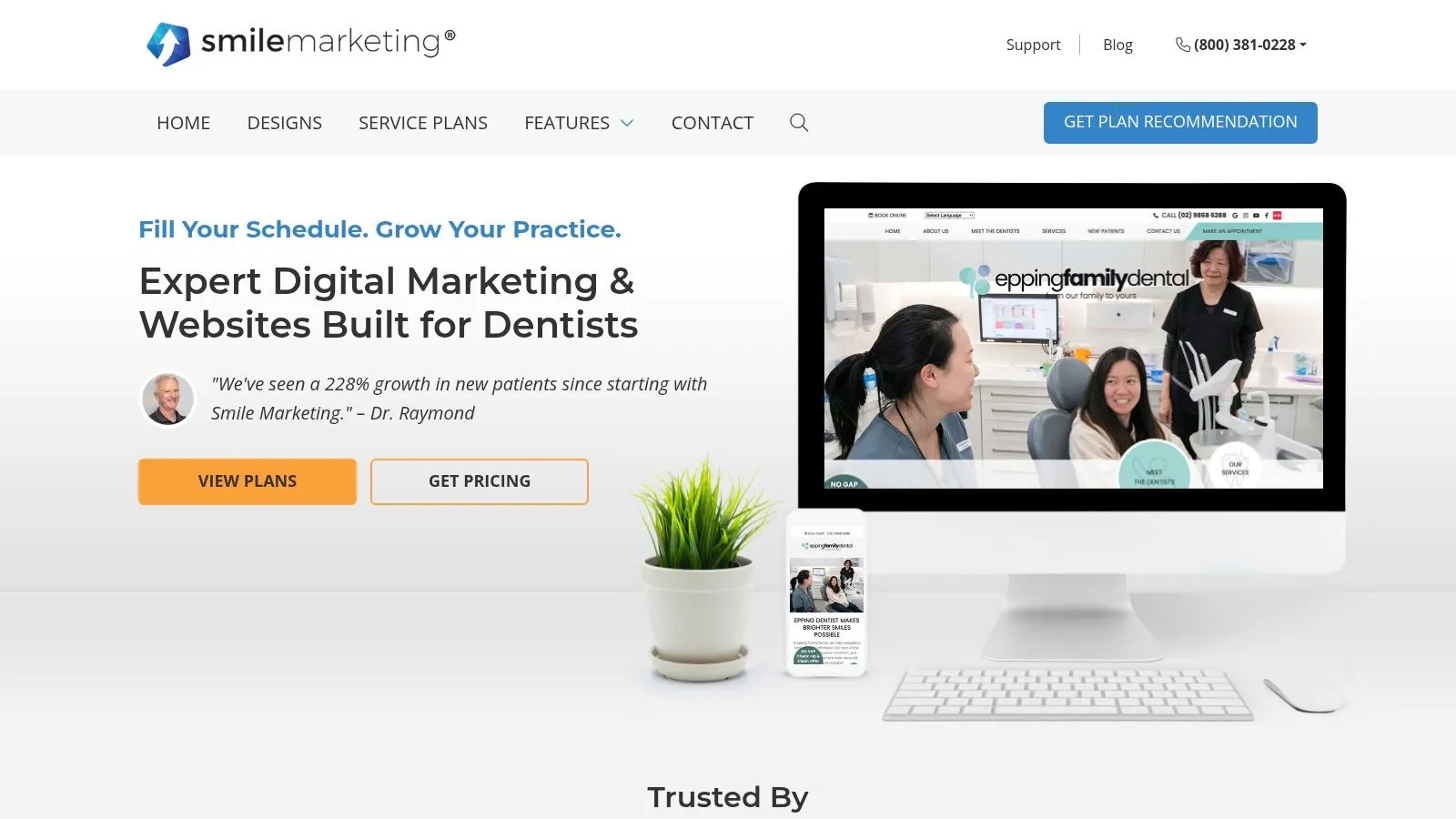
The service can also include ongoing website management and PPC or SEO support. That broader support may be useful when a landing page needs to fit into a larger effort, such as promoting a service across a particular area or making it easier for new patients to find the right office.
Consider the platform relationship
Search results list examples of a $295 splash page and a $95 custom form. Full website and marketing programs are custom-priced, so clarify what's included before comparing costs. The a-la-carte examples can make it easier to scope a smaller project, but they don't tell the whole story if the page depends on ongoing management or other services.
The main trade-off is less DIY control than with a dedicated builder, along with a stronger reliance on Smile Marketing's site stack. That can suit a practice that prefers done-for-you execution, but practices that want to move pages between platforms or make frequent in-house changes should ask about ownership, access, and ongoing maintenance. See how dental marketing can support the wider practice before treating a landing page as a standalone fix.
6. My Social Practice
My Social Practice offers dental websites, SEO, paid search and social advertising, and related landing experiences. Its emphasis on local SEO and location-specific pages may suit a multi-location practice or a team that needs pages for particular services and campaigns. Online scheduler embeds can put the booking action directly into the visitor's path rather than forcing them to hunt for it elsewhere.
A coordinated setup is especially relevant when the practice is updating its website and launching campaigns at the same time. Matching the page to the ad is only part of the work: location details, service information, scheduler behavior, and follow-up should all make sense together. A page can attract attention and still lose the appointment if the scheduling process feels disconnected.
A conversion page should answer the patient's next question, not just repeat the ad headline.
The company states that it has served more than 7,000 practices, a claim to verify directly with the provider if it factors into a purchasing decision. Pricing is quote-based and varies with scope and the number of locations. That makes it a better fit for practices considering ongoing marketing than for a single isolated page.
Dental is its focus, which can help the team understand practice-specific needs. Still, ask how the provider handles page ownership, campaign reporting, local customization, and changes to online scheduling. Practices comparing adjacent service categories can also explore med spa marketing, while keeping dental patient needs and claims distinct.
7. GrowthPlug
GrowthPlug combines healthcare and dental growth services with custom websites, advertising, and targeted landing pages. Its campaign pages are designed to align with paid ads and local searches for specific treatments. That can be useful for a practice promoting higher-value services or coordinating campaigns across locations, especially when it wants the page, advertising, appointment tools, and reporting managed together.
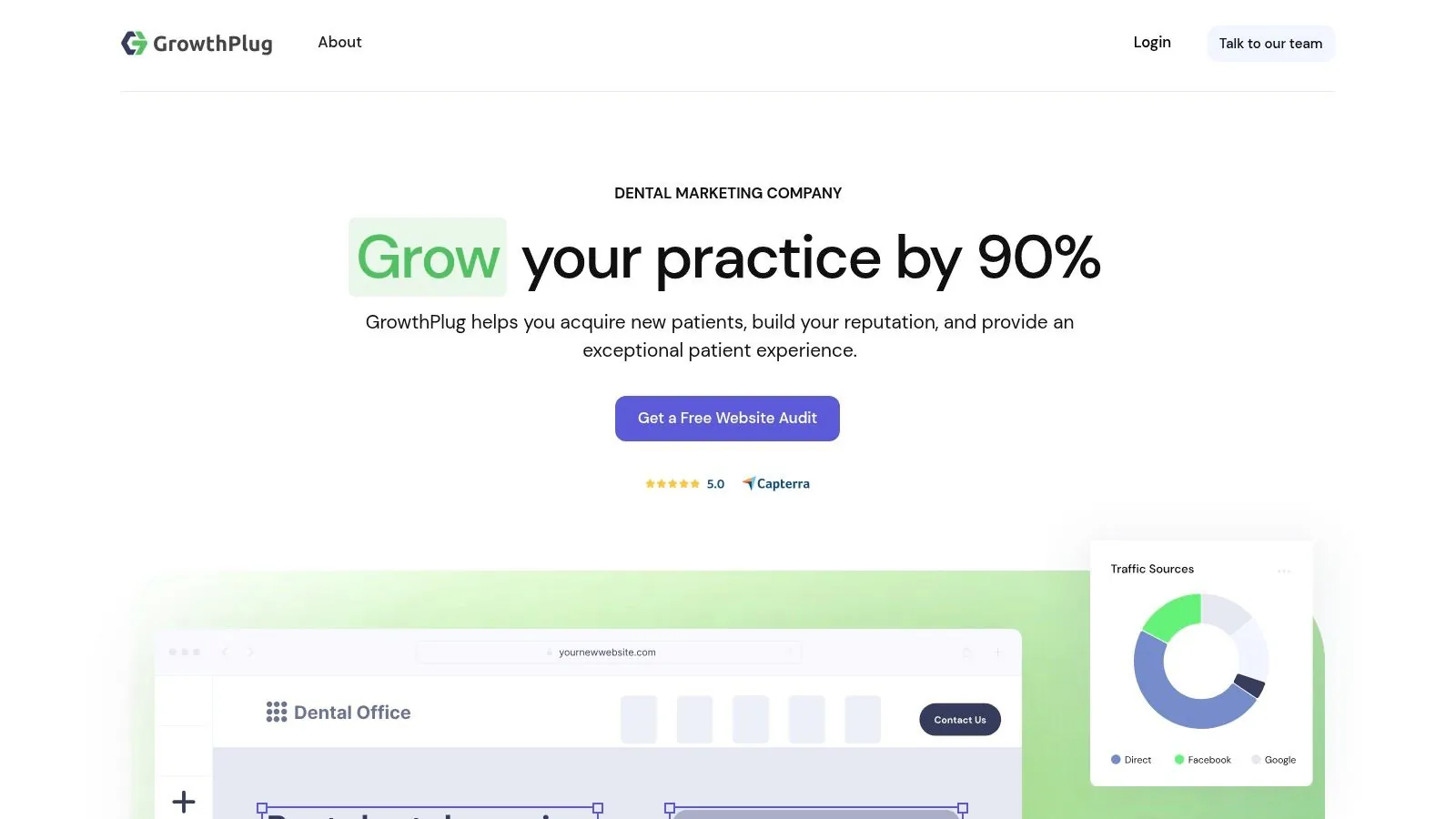
The platform's listed capabilities include custom websites for local search and conversion, Google Ads and social campaign management, online appointments, forms, reviews, analytics dashboards, and multi-location and reputation tools. The advantage is integration: a team can connect the ad message to a service-specific page and make the next appointment action easier to find.
Confirm what success means
GrowthPlug's pricing is quote-based and varies by package and features. Because this is a broader growth platform rather than a simple page builder, ask what services are included, who maintains the page, and how reporting separates campaign activity from actual patient outcomes.
Less DIY control is the clearest trade-off. A practice that wants to adjust copy and layout independently may prefer a dedicated builder, while a team seeking coordinated marketing support may value a managed relationship. Either way, don't assess the page on clicks alone. Review the quality of inquiries, booked appointments, and whether staff can handle the leads arriving through the campaign.
Top 7 Dental Landing Page Examples Compared
| Platform | Implementation Complexity | Resource Requirements | Expected Outcomes | Ideal Use Cases | Key Advantages |
|---|---|---|---|---|---|
| Unbounce | 🔄 Low; no-code drag-and-drop builder | ⚡ DIY; published plans $29–$249/month, verify current pricing | 📊 Treatment-specific pages, A/B testing, and campaign optimization | Dental practices and agencies running paid campaigns | ⭐ Fast launches, strong testing tools, and PPC integrations |
| Instapage | 🔄 Low to moderate; builder with collaboration features | ⚡ DIY; published plans start at $99/month, verify current pricing | 📊 Scalable testing, personalization, and localized campaign pages | Multi-location groups, DSOs, and agencies managing many campaigns | ⭐ Enterprise-grade testing, collaboration, and large template library |
| Leadpages | 🔄 Low; designed for non-technical users | ⚡ DIY; published plans start around $99/month, verify current pricing | 📊 Conversion-focused pages with built-in forms and testing | Smaller practices seeking a straightforward page builder | ⭐ Accessible setup and useful conversion tools |
| Scorpion | 🔄 Low for the practice; agency-managed execution | ⚡ Agency partnership; custom quote | 📊 Managed campaigns, lead tracking, and conversion optimization | Practices investing in paid media, including multi-location groups | ⭐ Combines healthcare-focused strategy, campaign management, and measurement |
| Smile Marketing | 🔄 Low for the practice; done-for-you services | ⚡ Agency support; some add-ons have listed prices, broader plans are custom-priced | 📊 Promotional, geographic, and form-based landing experiences | Dental practices wanting marketing support integrated with their website | ⭐ Dentistry expertise and connected pages, forms, and email |
| My Social Practice | 🔄 Low for the practice; ongoing marketing service | ⚡ Agency support; quote-based | 📊 Location- and service-specific pages alongside SEO, ads, and scheduling | Practices combining website updates with ongoing campaigns | ⭐ Dental-only focus and experience with multi-location marketing |
| GrowthPlug | 🔄 Low for the practice; integrated platform and services | ⚡ Managed program; quote-based | 📊 Ad-matched landing pages, appointment tools, and campaign analytics | Healthcare practices promoting specific treatments or multiple locations | ⭐ Integrated growth services and alignment between ads and landing pages |
Build a Page That Earns the Appointment
The right platform or partner depends on the campaign, but the principles of a useful dental landing page stay consistent. Start by defining the patient intent behind the page: an emergency visit, an implant consultation, Invisalign, or a new-patient exam. Then choose one primary action, such as calling, booking online, or submitting a short request.
Put proof close to the decision point. That might include accurate provider credentials, service details, genuine patient feedback, or practical information about the office. The page should also explain what happens next. If a patient submits a form, make clear how the practice will respond and offer a phone option for people who'd rather call.
Remove steps that don't help the visitor book. A page shouldn't make a patient work through unrelated services, hunt for the phone number, or provide sensitive treatment details just to ask for an appointment. Collect only what the practice needs to respond, and keep the form comfortable to complete on a phone.
Test one clear hypothesis at a time. You might compare a treatment-specific hero with a more general one, move a trust signal beside the booking action, or simplify the path to scheduling. Keep the rest of the page stable enough to understand what changed, and check that the page and tracking work before sending campaign traffic.
Measure quality, not just volume. Review qualified appointments, booked-patient rate, cost per lead, and lead quality, alongside the page's calls and form submissions. A page that gathers more low-intent inquiries may look busy without helping the schedule. The most useful reporting connects the campaign source to the patient's progress toward an appointment.
For practices that want their landing page, brand voice, and patient journey to feel connected to the community they serve, Leaping Lemur Media is one option to consider. The strongest partnership is one that listens to the practice, builds with intention, and keeps the page aligned with the people it's meant to help.
Leaping Lemur Media offers dental landing pages built around specific treatments, clear calls to action, trust elements, and simple appointment forms. If you're ready to make your campaign page fit the patient journey and the voice of your practice, visit Leaping Lemur Media to discuss your goals.